Model maker
Low-poly prop builder
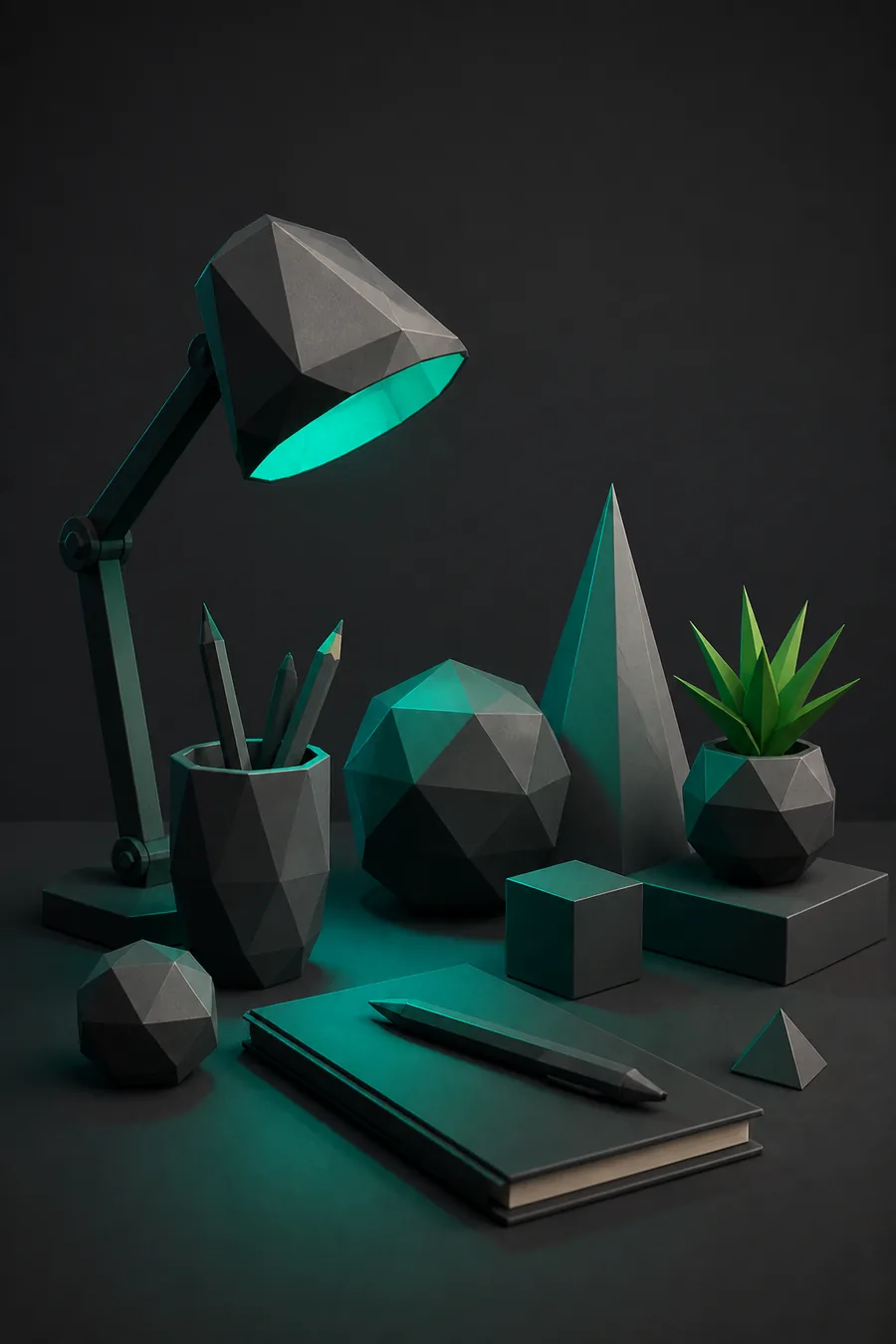
Build a crate, barrel, and door in one sitting. Keep faces flat and export a small prop pack for a game scene.
Prisma3D 3D model makerPrisma3D 3D modeling is the polygon-editing side of the app. You shape low-poly assets on a phone or tablet, keep the triangle count low, and send clean meshes to the animation timeline.
Modeling vs general editor
General Prisma3D opens on the scene and animation layout. The modeling workflow narrows the focus to the mesh itself. Once the geometry is clean, you can switch to Prisma3D animation without rebuilding anything.
Only in the modeling workflow
These three actions are not available in the timeline-first view. They define what mobile 3D modeling can do inside Prisma3D.
Drop in a cube, cylinder, or sphere, then scale and move faces until the main silhouette reads. Most props start from three or fewer primitives.
Select vertices, edges, or faces and push them. There is no sculpting pass and no hidden spline cage, so every change is direct and predictable.
Switch between wireframe and shaded view to catch concave faces and duplicate geometry before you add materials or send the mesh to animation.
Starting points
Choose a route that matches your goal. The workflow stays the same: block out, refine, then decide whether to export or animate. For a dedicated asset-maker path, start with Prisma3D 3D model maker.
Build a crate, barrel, and door in one sitting. Keep faces flat and export a small prop pack for a game scene.
Prisma3D 3D model maker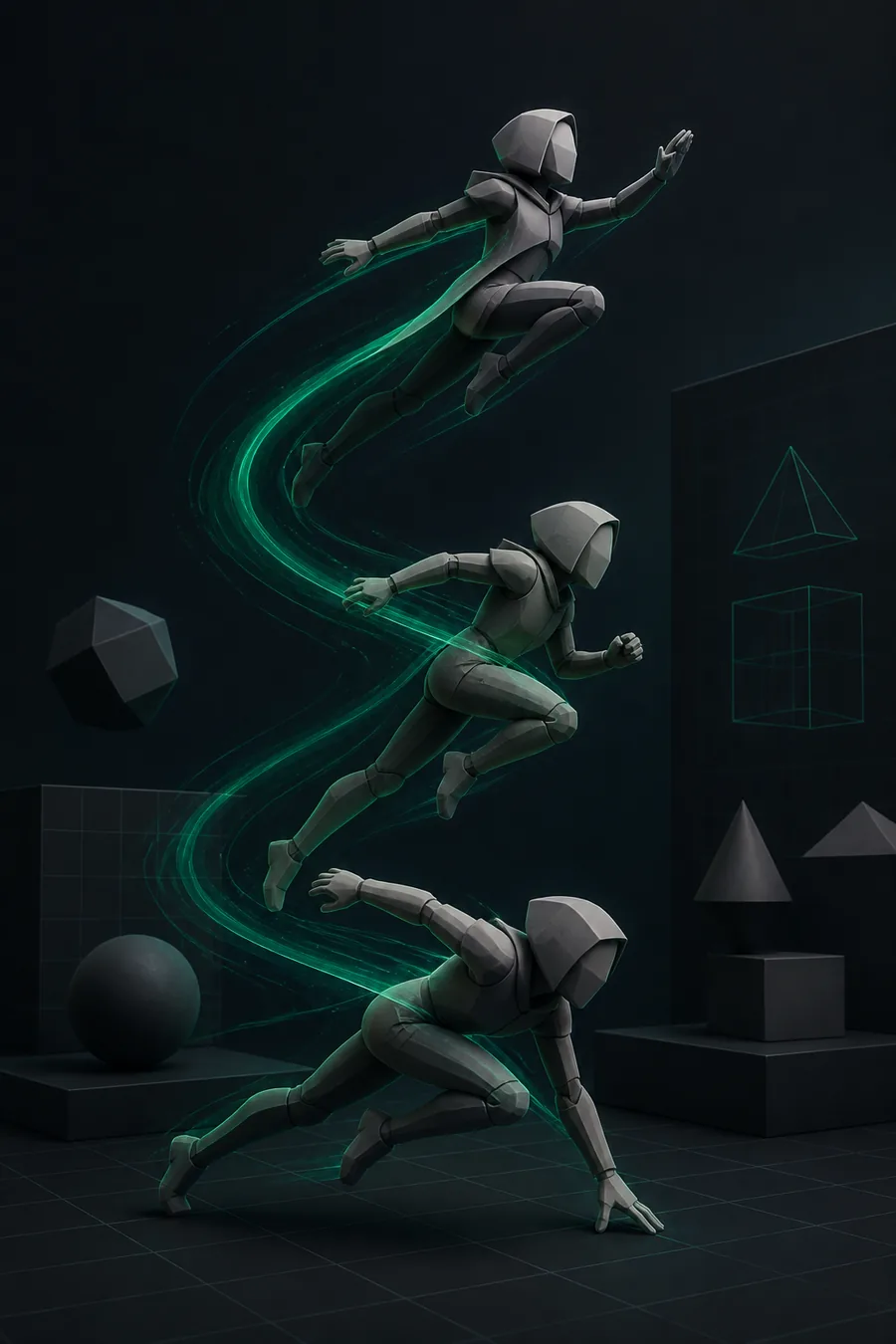
Block out a character with clean quads and simple limbs so the same file feeds the timeline without heavy rework.
Prisma3D animation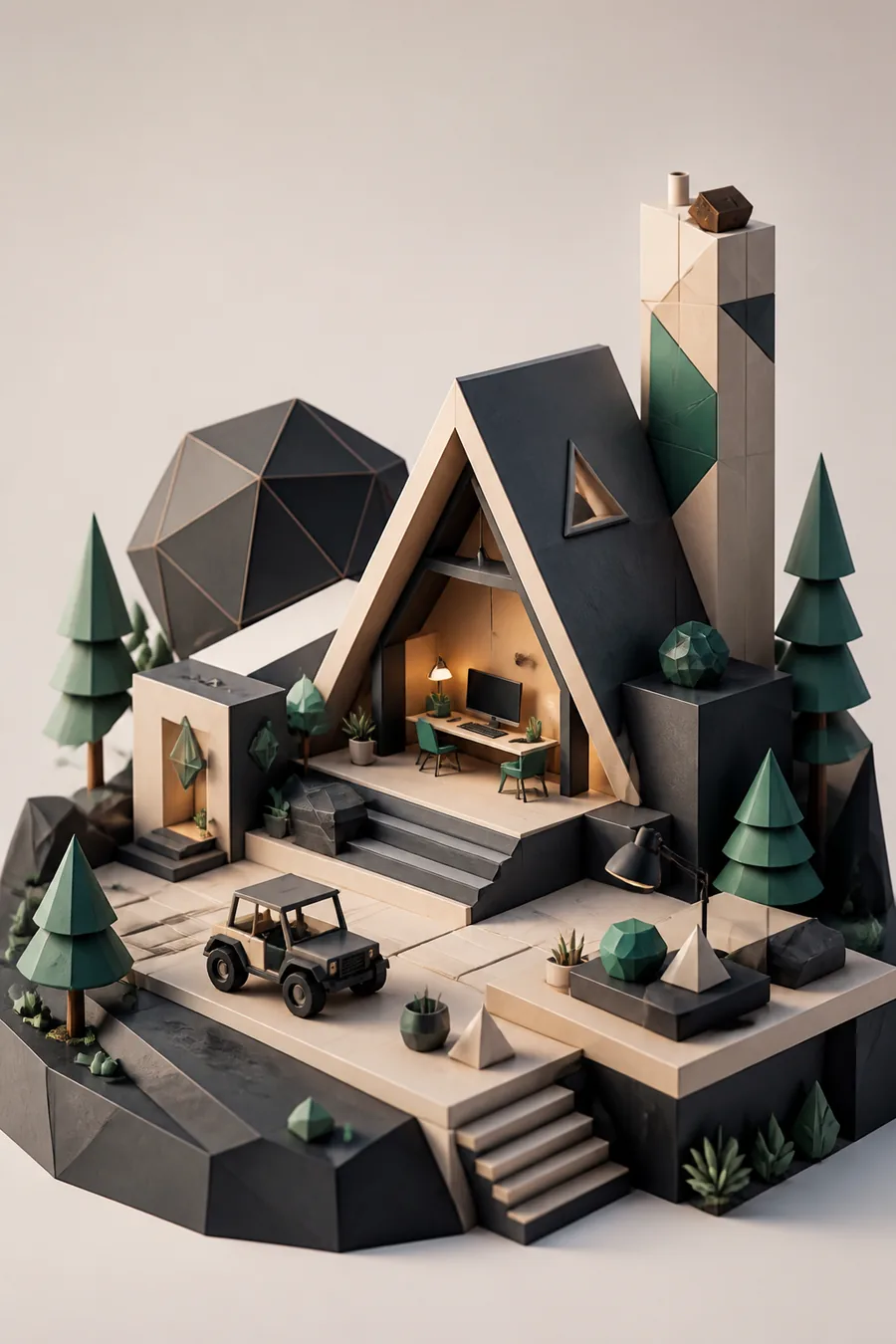
Bring in an external base mesh and rework its topology instead of starting from zero. Native tools handle the cleanup.
Prisma3D import 3D models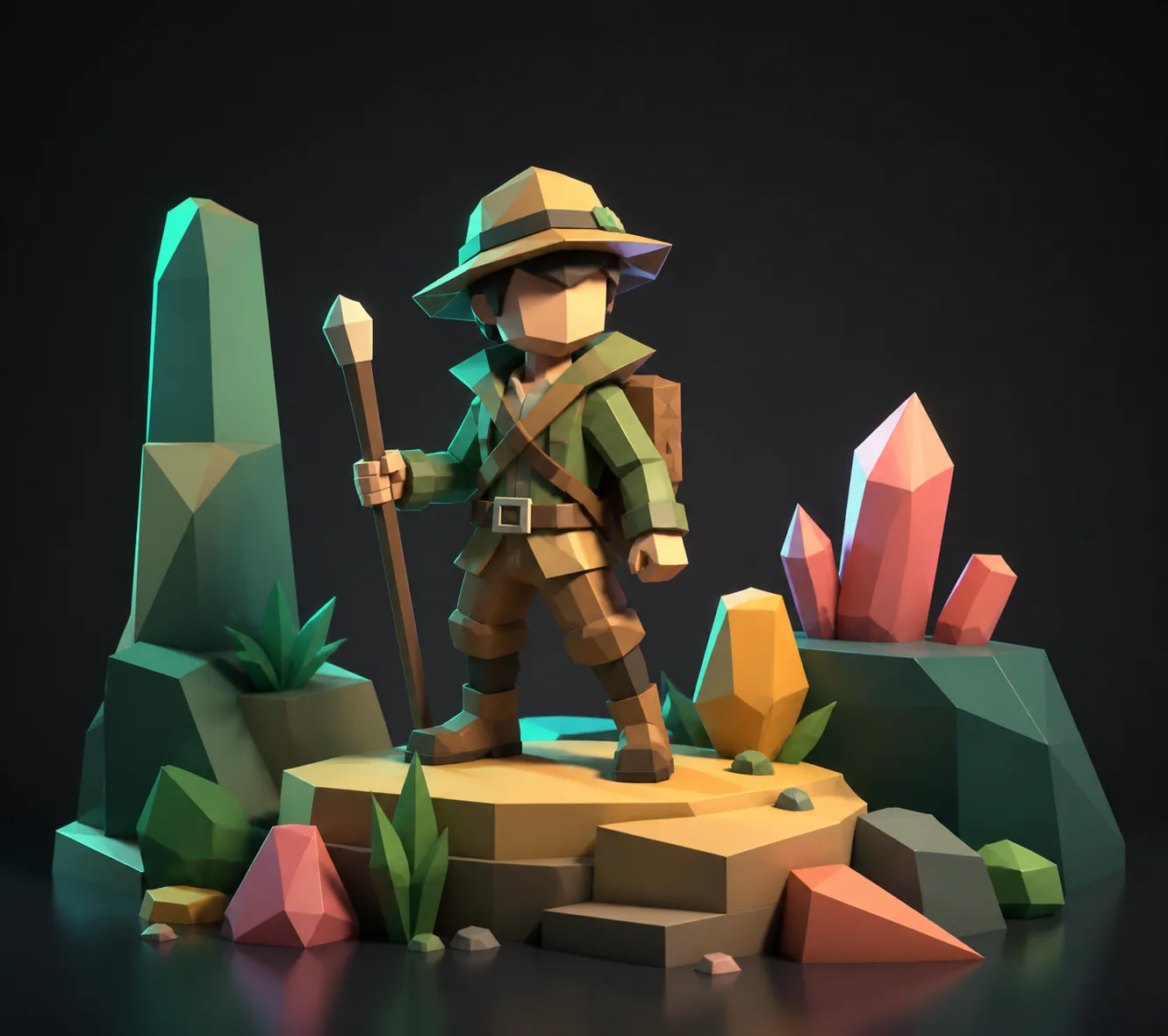
Use primitives, mirroring, and simple materials to get a finished character in about twenty minutes, with no desktop setup.
Prisma3D animationLimits
Prisma3D is built for low-poly and game-style assets. Use the slider to estimate how much fits into a single object budget.
The before/after pair shows the expected range: Prisma3D modeling favors small triangle counts and clear silhouettes.
FAQ
Prisma3D 3D modeling is the polygon-editing half of Prisma3D. It is used for blocking out game props, cleaning imported meshes, and preparing characters before animation.
No. Prisma3D modeling handles the shape of the object; the animation timeline handles movement. A model must usually be finished before it can be rigged and animated.
Prisma3D keeps polygon counts low for mobile performance. Blocky edges are normal until you add bevels or use denser primitives inside the modeling workflow.
Yes. Low-poly props, obstacles, and simple characters fit the mobile triangle budget. Export them and drop them into a game engine or keep them in a Prisma3D scene.