Open a blank scene
Launch Prisma3D and tap New Project. A blank scene gives you a grid and a camera you can orbit with one finger.
The Prisma3D 3D model maker turns your phone into a portable modeling bench. You can block out a prop, push and pull faces, and export a finished mesh without touching a desktop.
Prisma3D runs on Android 7.0 and newer, and the model maker needs roughly 300 MB of free storage. You do not need an account for local modeling, and a stylus is optional — the touch tools are designed for fingers. A blank scene and one base primitive are enough to begin.
This is the shortest complete pass through Prisma3D's 3D model maker. Every project follows the same path.
Launch Prisma3D and tap New Project. A blank scene gives you a grid and a camera you can orbit with one finger.
Place a cube, sphere, or cylinder. The maker treats every shape as a mesh you can edit at the face and vertex level.
Select a face, extrude it, and scale it repeatedly. Assign colors or materials as you work so the model stays readable.
When the mesh is finished, export it as OBJ or another supported format and move it into a game engine or renderer.
Different workflows use the 3D model maker differently. These are the patterns that come up most often.
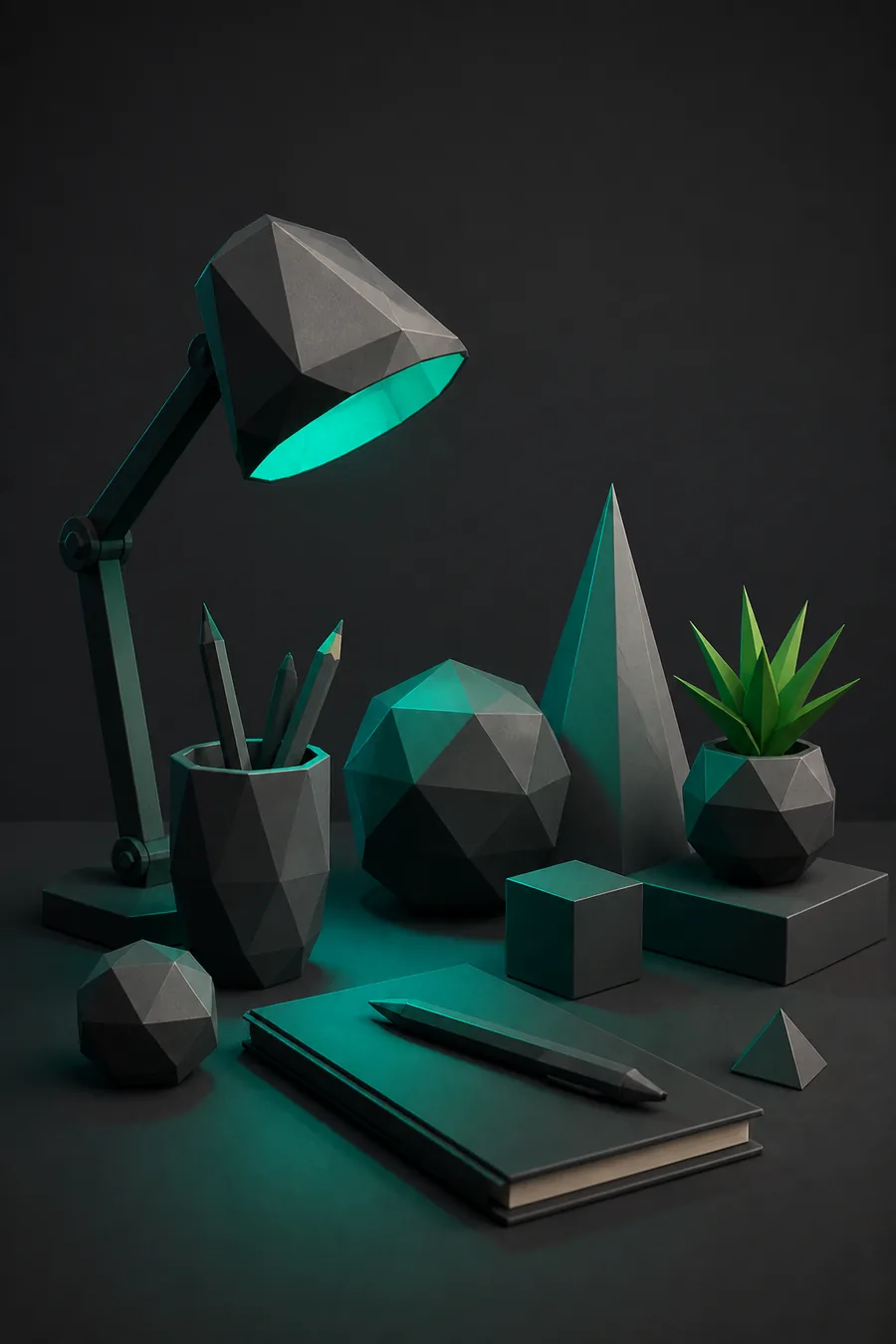
You need a pile of low-poly rocks for a level mockup. In about fifteen minutes you get a finished blockout that exports as an OBJ.
For a deeper look at the tools behind this workflow, see Prisma3D 3D modeling.
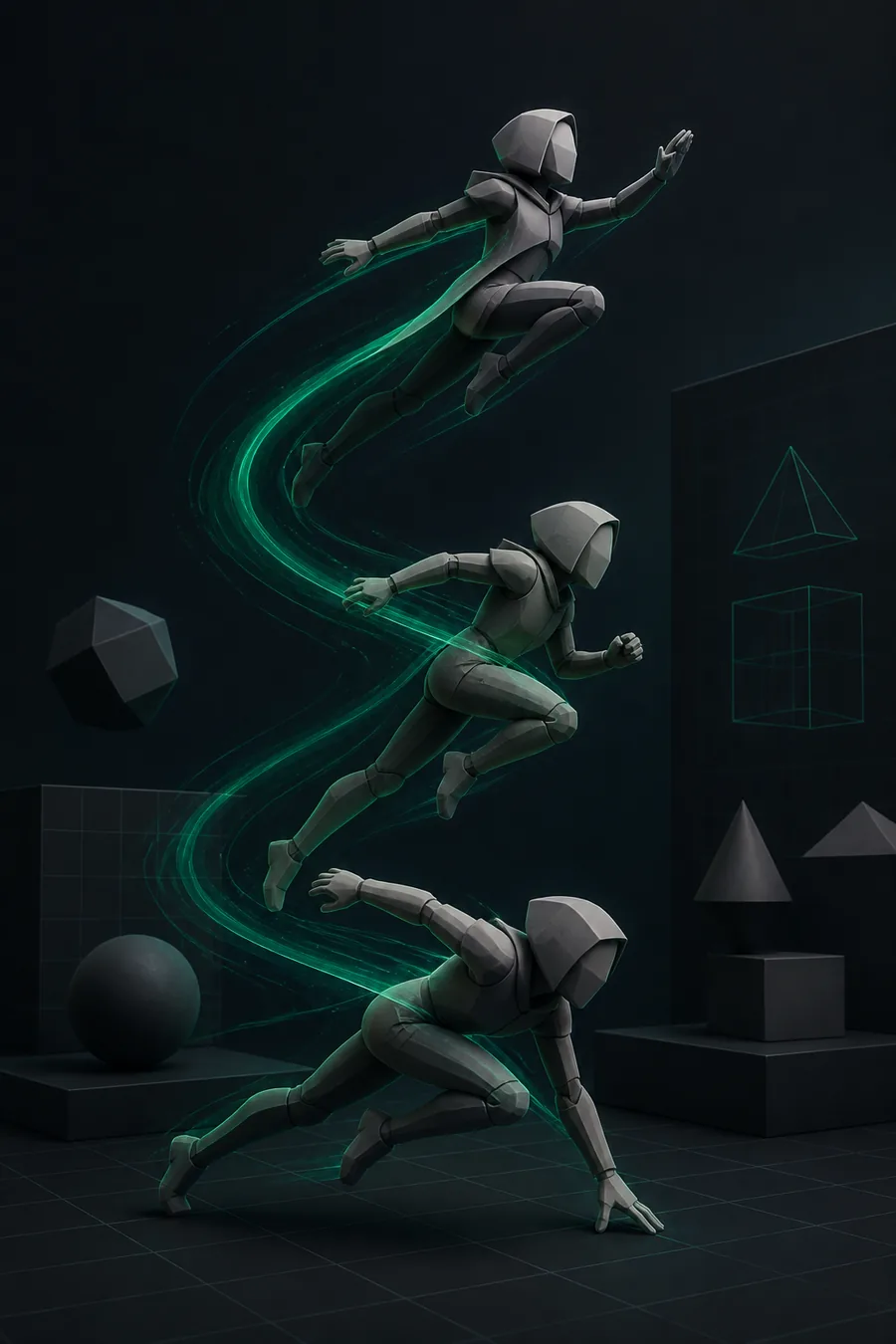
You want a simple character you can pose later. The model maker gives you clean base geometry for a rig.
Once the mesh is ready, Prisma3D animation turns it into motion.

You have assets built elsewhere and need to assemble them in one scene. Imported geometry keeps its shape and can be edited after arrival.
See how meshes move between apps with Prisma3D import 3D models.
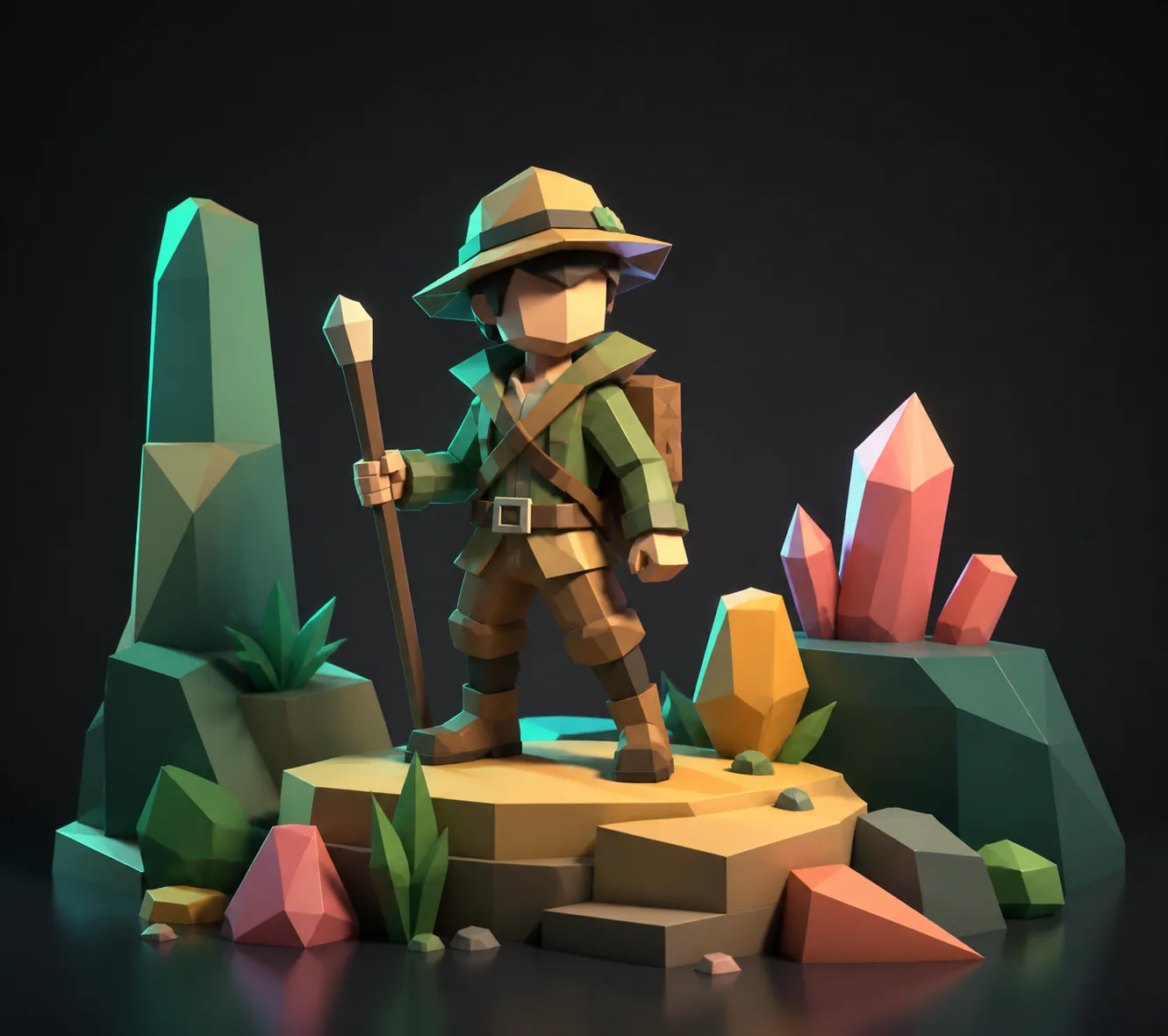
You are starting from zero and want a guided path. A base humanoid and a few extrudes teach the core loop quickly.
The gentler starting route is covered in Prisma3D for beginners.
You need a free modeling workflow on the phone you already own. The model maker has no subscription gate for its core tools.
A breakdown of what you get without paying is in free Prisma3D.
Prisma3D's model-maker scope, measured in the tools you actually touch.
Drag the slider to see how a typical 3D model maker project scales before you start.
Two routes land a mesh in Prisma3D's 3D model maker. Here is how they compare on the attributes that matter.
The 3D model maker is fast, but it has sharp edges. Very high-poly imports can slow Prisma3D's viewport on older phones. The extrude tool occasionally grabs the wrong face when two faces share a tight edge. And if you save over a reference image import, the camera angle resets. None of these break a project outright, but they are the failures most people hit first.
Yes. Prisma3D includes a full modeling workspace with primitives, extrude, merge, and vertex-level editing, so it works as a dedicated 3D model maker on Android.
You can. Prisma3D supports importing OBJ models, which means you can bring in external geometry and then edit it with the same tools you use for built-in shapes.
The model maker exports meshes in OBJ and other supported formats, along with shareable image renders from the viewport.
No. The modeling tools, painting, and export all run on Android, so the whole workflow stays on your phone or tablet.
Prisma3D is free to download and the core modeling tools can be used without a subscription, which makes it a low-cost entry point for mobile model making.