A practical Prisma3D alternative guide

If you are looking for a Prisma3D alternative, the decision is rarely about one missing feature. It is about where you will do the work, how much the switch costs in time, and whether your existing scenes will survive the move. Blender and Nomad Sculpt are the two competitors most people compare against, and both have different trade-offs. This guide puts those trade-offs into a total-cost table, then shows where quality changes, where time changes, and when switching is worth it.

Cost comparison

Total-cost table

Many people search for a free Prisma3D alternative, so the first table separates the sticker price from the hidden costs: learning, exports, and long-term compatibility. Those are the totals that decide which tool is actually cheaper.

Attribute Prisma3D Free alternative
Upfront price Free download Free forever
Platform Android-first Desktop or mobile
Learning time to first scene Hours Days on desktop, hours on mobile
Animation Keyframe timeline Full rigging and graph editors
Sculpting Basic mesh tools Dedicated brush engines
Export formats glTF, OBJ, scene files glTF, OBJ, FBX, STL, and more
Rendering Real-time viewport Real-time plus production renderers

Related Prisma3D vs Blender covers renderers, rigging, and file pipelines in more detail.

Render and sculpting quality

Where quality differs

Quality does not move in one direction. Prisma3D is fast for sketching and keeps you inside a mobile workflow. The alternatives below are stronger in specific parts of the process, but they ask you to change how you work.

Option 1

Blender

Best overall output quality once you leave the touch-first workflow behind.

  • ✓ Cycles and Eevee renderers
  • ✓ Full rigging and animation tools
  • ✗ Desktop-only interface
  • ✗ Steeper learning curve
Option 2

Nomad Sculpt

Best mobile sculpting quality for artists who do not need complex animation.

  • ✓ Brushes feel natural on a touchscreen
  • ✓ Clean OBJ and STL export
  • ✗ Limited keyframe animation
  • ✗ Paid app on most stores
Learning curve

Where time differs

The biggest hidden cost is time. Desktop tools give you more control, but the first week can feel slower. The decision split below matches your time budget to the right route.

A

When mobile speed matters

Then: stay with Prisma3D.

Why: touch-first tools are faster for quick blockouts and small scenes.

B

When production renders matter

Then: move to Blender.

Why: a few slow days are repaid by faster iteration and final-quality output later.

C

When sculpting speed matters

Then: try Nomad Sculpt.

Why: focused brushes make high-poly character work more direct.

Related comparisons can sharpen the same decision from another angle. These guides are already part of the site and use the same targets:

Reality check

When switching is worth it

An alternative is worth switching to when the new tool removes a blocker, not when it merely looks more professional. These are the limits you should plan around before you commit to a migration.

Limit 1

Scene transfers are incomplete

Materials, lights, and image textures rarely arrive untouched in a new app.

Fix Test one small scene before moving everything.

Limit 2

Rigs and keyframes do not travel

A Prisma3D animation timeline is not a Blender rig, and armature data can be lost.

Fix Rebuild simple rigs in the target app.

Limit 3

No built-in cloud

This route does not add synced storage, browser editing, or team collaboration.

Fix Use a folder sync service to move files between devices.

Limit 4

The first week is slower

You will not be faster during the transition, even if the long-term ceiling is higher.

Fix Run both apps side by side until exports feel automatic.

Next step Once those limits are clear, start with a small test scene and compare the export from each tool.

Before and after

What changes visually

The image pair shows what usually changes when moving from a Prisma3D viewport to a desktop pipeline. The divider is a workflow change, not a quality verdict.

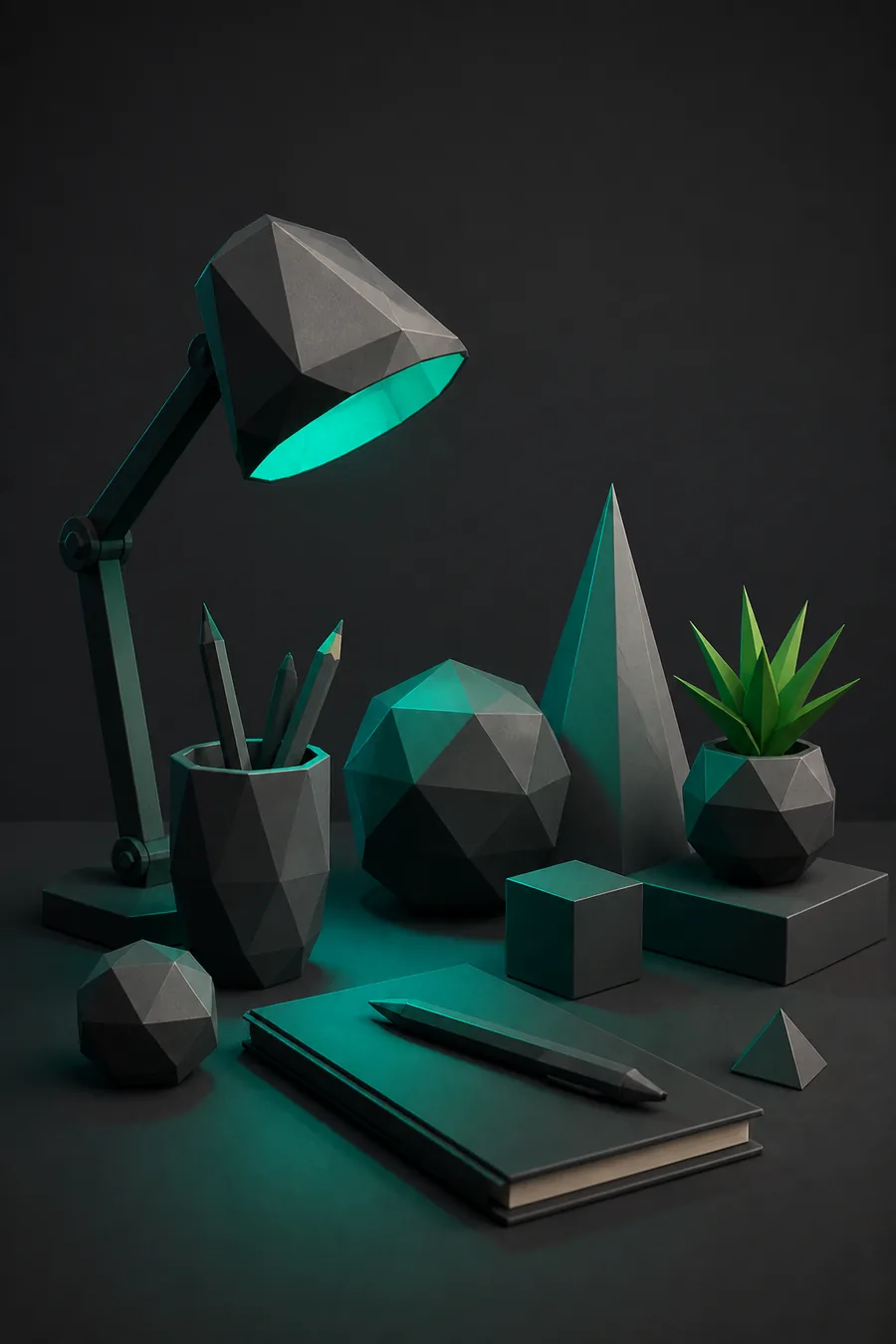
Prisma3D modeling viewport before switching
Before: Prisma3D viewport

Fast blockouts and quick keyframe tests stay fastest on the phone.

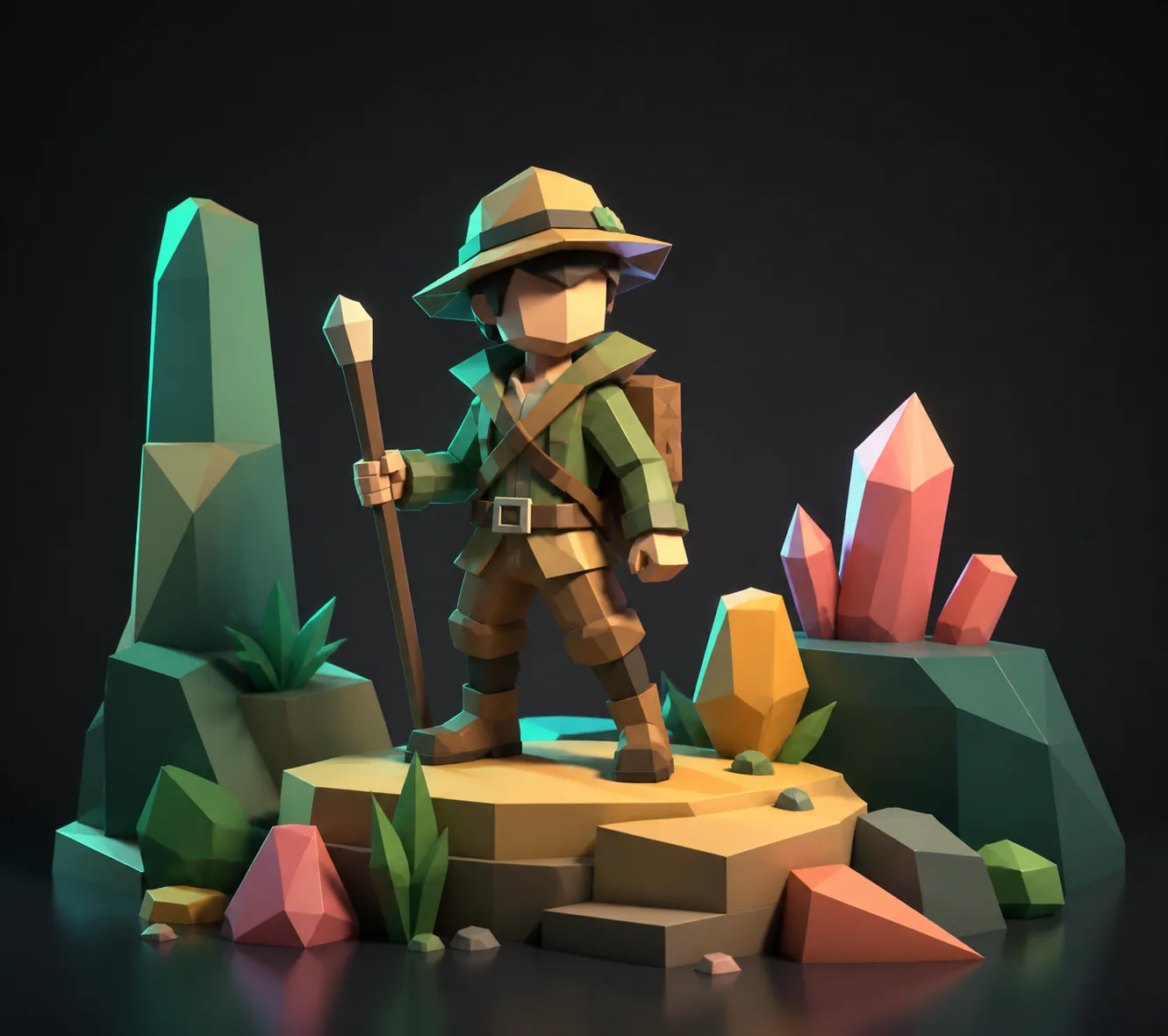
Rendered character after moving to an alternative pipeline
After: alternative output

The same idea can reach a final render once it moves through a free desktop pipeline.

The numbers

Metrics that matter

The metrics below come from common migration reports and community feedback about switching from Prisma3D to a desktop tool.

0 upfront cost for Blender
20h to produce a first clean alternative render
3 formats to test before switching
80% simple scenes transfer without full rebuilds
FAQ

Comparison FAQ

Is there a free Prisma3D alternative?

Yes. Blender has no upfront cost and no watermarks. Nomad Sculpt is paid on most stores, so Blender remains the default free Prisma3D alternative for desktop work.

Which Prisma3D alternative is best for beginners?

Staying in Prisma3D is fastest if you only need mobile scenes. If you are moving to desktop, Blender is the best free option, but plan for a steeper first week. Nomad Sculpt sits between the two for touch sculpting.

Can a Prisma3D alternative run on Android?

Prisma3D itself is the Android-friendly option. Nomad Sculpt has Android support in some regions, while Blender does not run natively on Android. For a phone-only workflow, the list of true alternatives is short.

How long does it take to switch from Prisma3D to Blender?

Most people take 15–25 hours before a simple scene feels comfortable. The exact number depends on how much animation you rely on; basic modeling transfers faster.