Prisma3D for Android: Build 3D Scenes Anywhere
Model, animate, and render full 3D scenes on an Android phone. Prisma3D for Android is a free, offline 3D suite from Google Play that turns a pocket device into a modeling workstation. Start with the core tools and keep every file on your phone.
When the only computer you carry is an Android phone
A 3D idea can hit anywhere — on the bus, between lectures, at a job site. If the only hardware you have is a phone, the old reflex is to write it down and wait for a desktop. Prisma3D removes that wait: the app runs a complete modeling, animation, and rendering pipeline designed for Android phones, so the idea becomes a project file before the moment slips away.
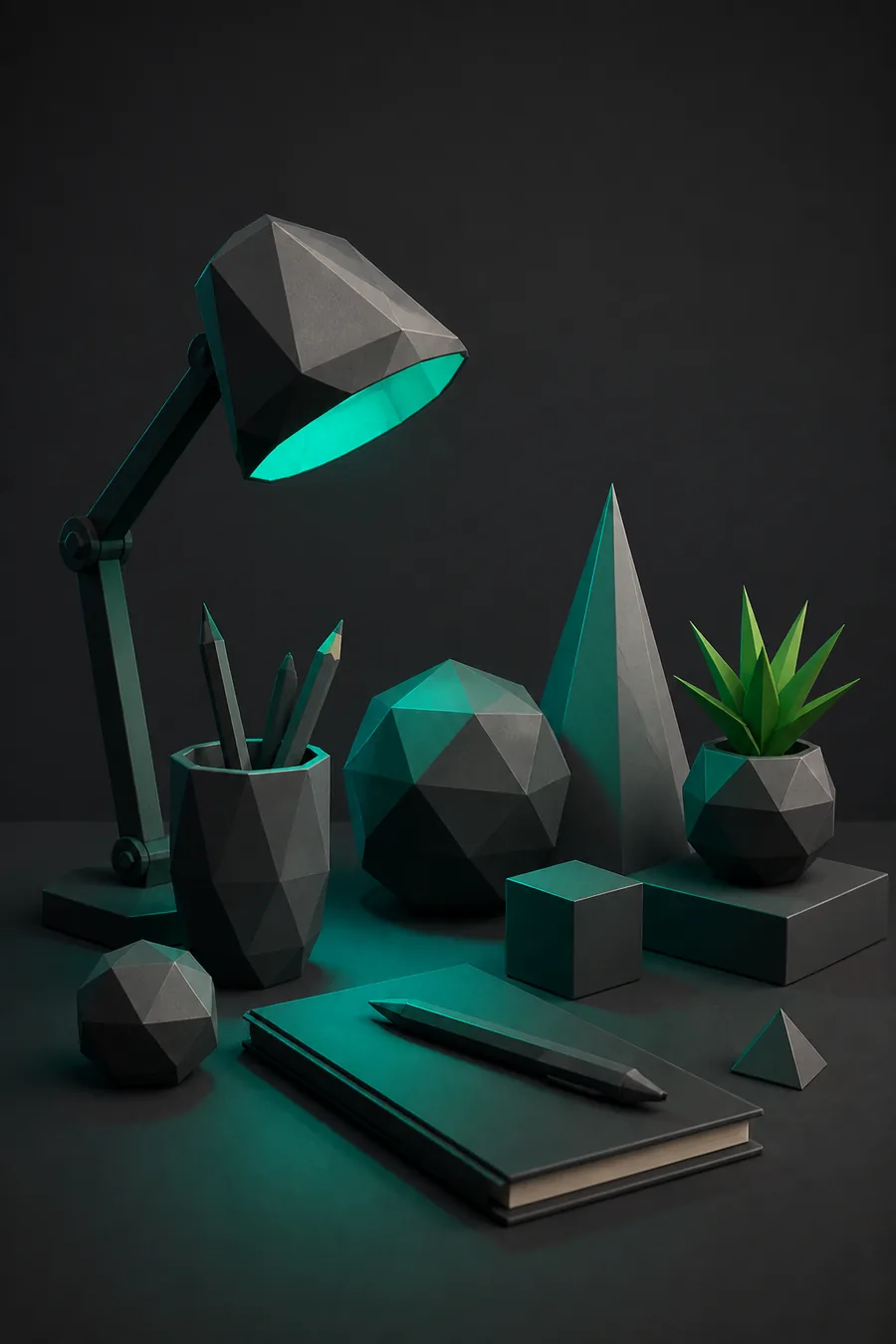
Props between lectures
Builds low-poly props in a study break, then exports GLB portfolio pieces straight from the phone.
what Prisma3D is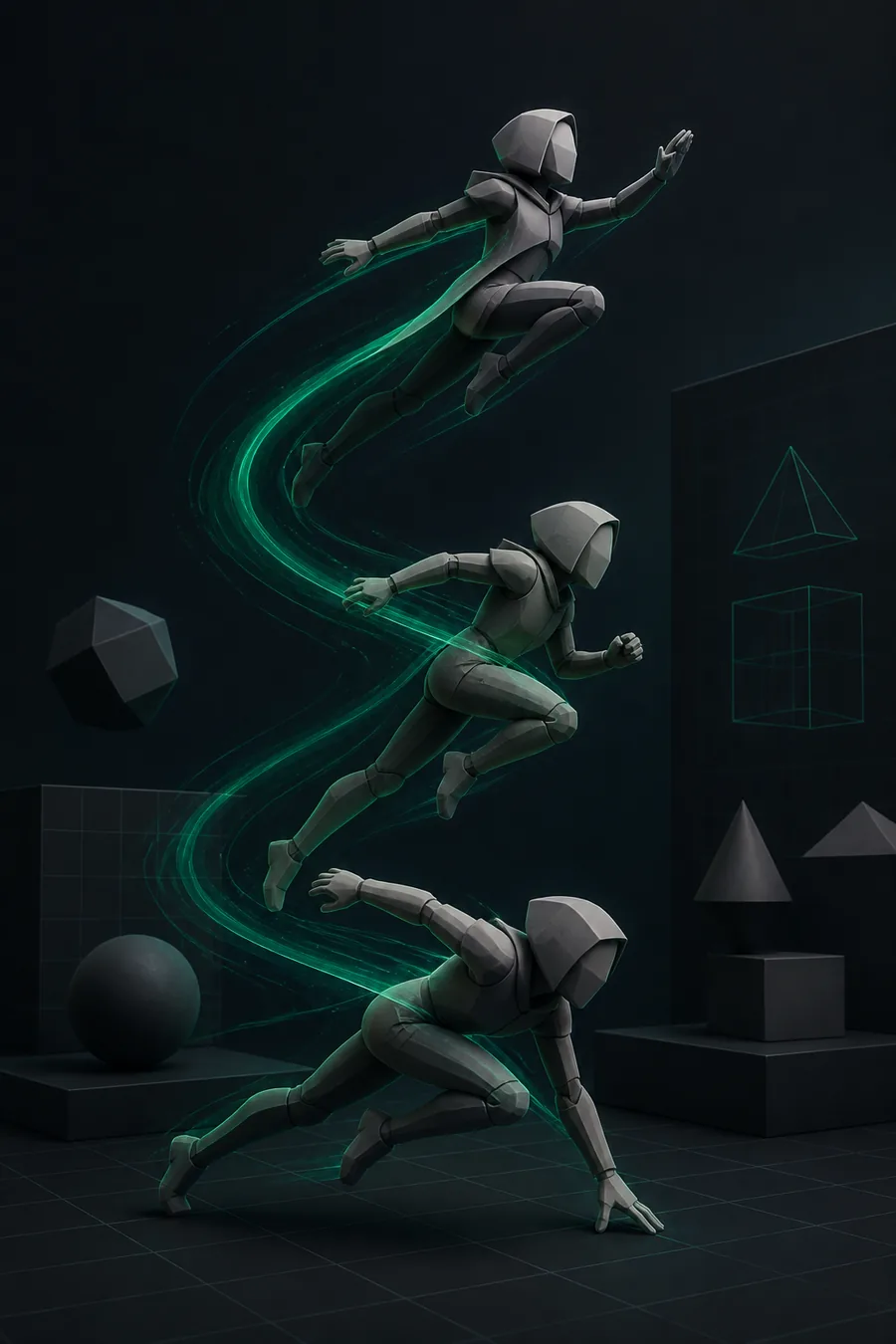
Character clips on the commute
Rigs a character on the train and turns dead minutes into a finished ten-second clip.
the animation toolkit
Level blockouts in the field
Sketches a level layout while watching playback and sends ready-to-import prototypes to the engine.
importing 3D models into Prisma3D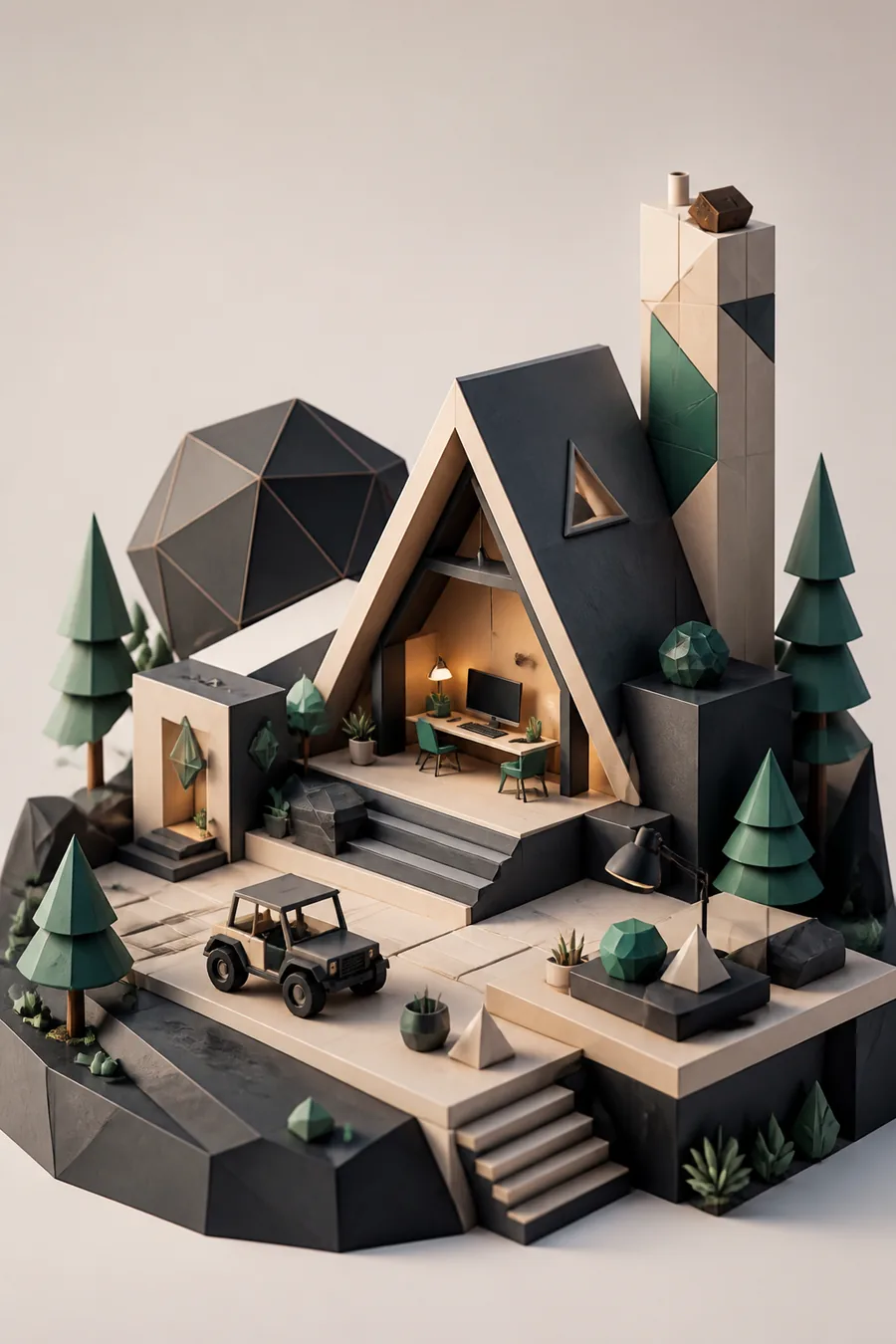
Environments on-site
Designs a fantasy environment at the spot that inspires it and leaves with a fully lit scene.
the modeling tools in Prisma3DThree concrete workflows that fit a phone screen
Character modeling, animation, and world building are the three workflows Android users reach for most. Each is a complete path from a blank scene to an exportable file, and none of them needs a desktop. Here is how Prisma3D on Android handles each one, plus the platform details that keep the pipeline smooth.
Example output: a scene built entirely on Android
A project that starts as a rough blockout can end as a lit, textured environment — a workflow designed for Android from the first tap. The pair below shows two stages of the same character-and-world project built in Prisma3D on Android, with no desktop pass in between.
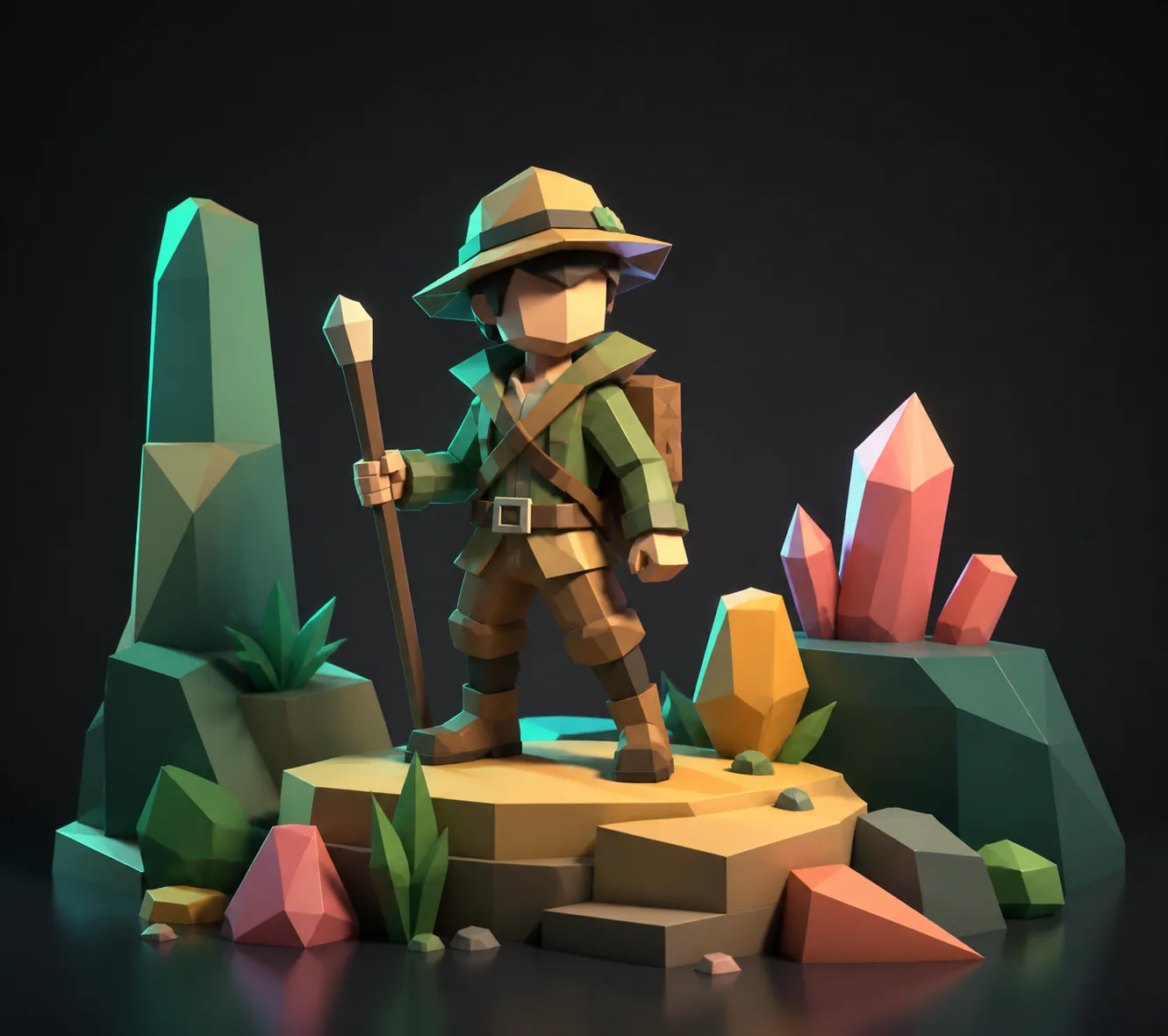
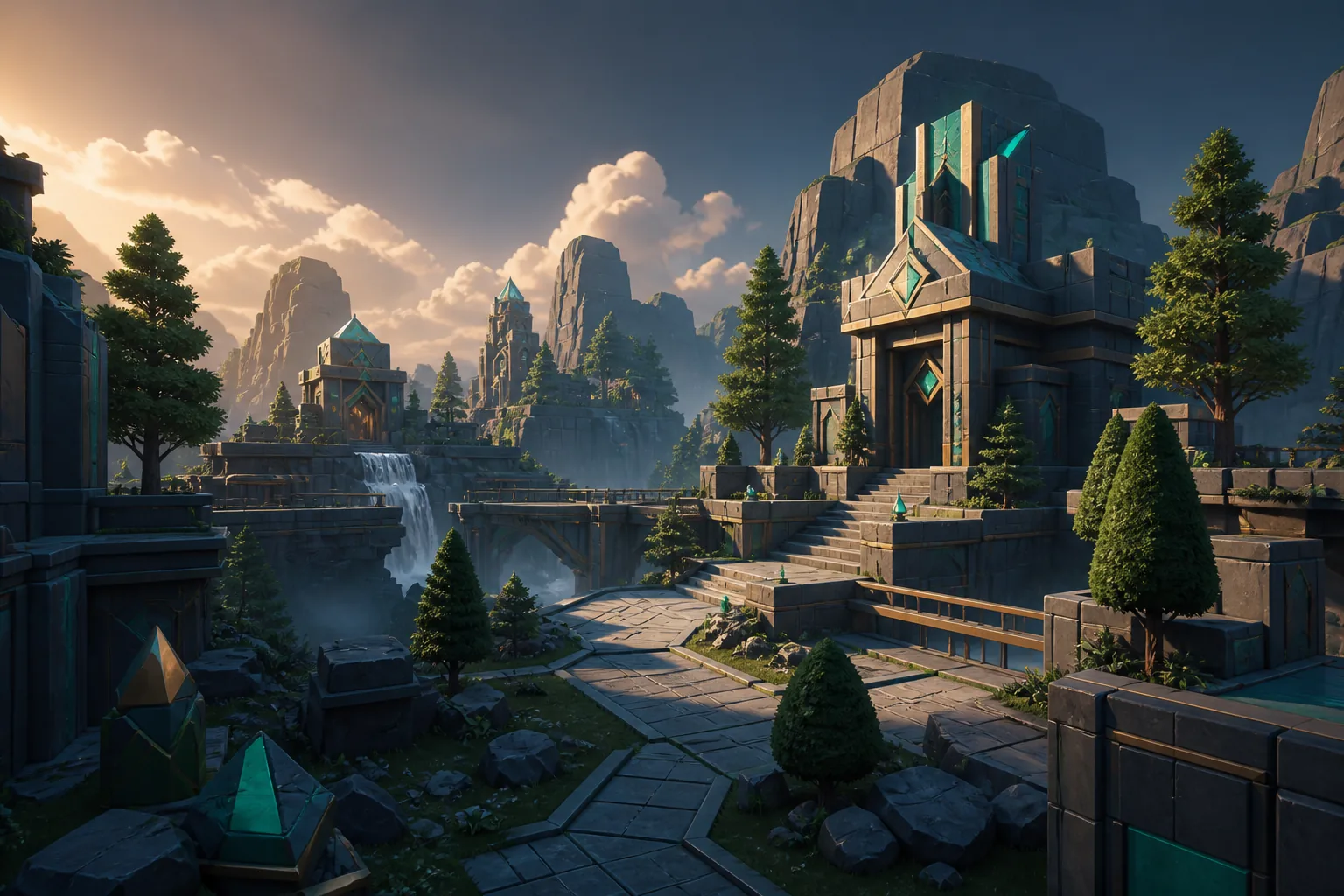
Both frames come from a one-evening project created, edited, and exported entirely on Android.
Compliance notes: storage, permissions, and file formats
Prisma3D for Android ships on Google Play with standard Android permissions. Storage access is requested only when you save or export a project. The app is free to install, has no forced sign-in, and exports through open formats for Android and desktop alike, so your files stay portable. The one thing to plan for is storage headroom.
Estimate how much storage to free up
Drag the slider to the number of active projects you want to keep in Prisma3D.
App install: 120 MB
Project files: 425 MB
Recommended headroom: 500 MB
Total to keep free: 1,045 MB
Keep exploring these routes:
Prisma3D online — run the pipeline in a browser; free Prisma3D — what the free tier covers; how to use Prisma3D — first-scene walkthrough; Prisma3D for beginners — a gentler starting point.
Prisma3D on Android: FAQ
Is Prisma3D the best 3D animation software for Android?
It is the app Android users most often name when asked for the best 3D animation software for Android. On Google Play, Prisma3D holds a 4.6-star rating and covers modeling, animation, and rendering in a single install. For a free tool that works offline and needs no account, that combination is hard to beat.
Can a 4 GB RAM phone handle Prisma3D?
Yes. The minimum configuration for Android 7.0 or later is 4 GB of RAM. Dense scenes will slow the viewport, but keeping a scene under 200k triangles and using baked lighting keeps the editor responsive.
What files can I export from Prisma3D?
The Android version exports GLB, USDZ, and OBJ for 3D assets, plus MP4 for animated clips. GLB works in game engines and web viewers; USDZ is the standard for AR on mobile, including Android's own AR tools.
Do I need an account or an internet connection?
No. Core modeling and animation tools work offline and need no sign-in. An optional gallery, templates, and asset updates require a connection, but the editor itself runs entirely on the device.