Prisma3D for beginners: build your first model in a weekend
Prisma3D for beginners starts with a single box, not a dozen panels. This guide keeps the scope deliberately small — the tools you will actually touch in your first week, the scenes you can finish without a desktop PC, and an honest list of what the app does not do. By the end, you will have a low-poly scene you made yourself and a clear next step.
What a beginner already does before opening Prisma3D
The person who downloads Prisma3D is rarely coming from a CAD course. They come from games, from short-form videos, from abandoning Blender on a laptop. Each starting point below is a real pipeline — and Prisma3D is the tool that fits the same slot for beginners of every kind.
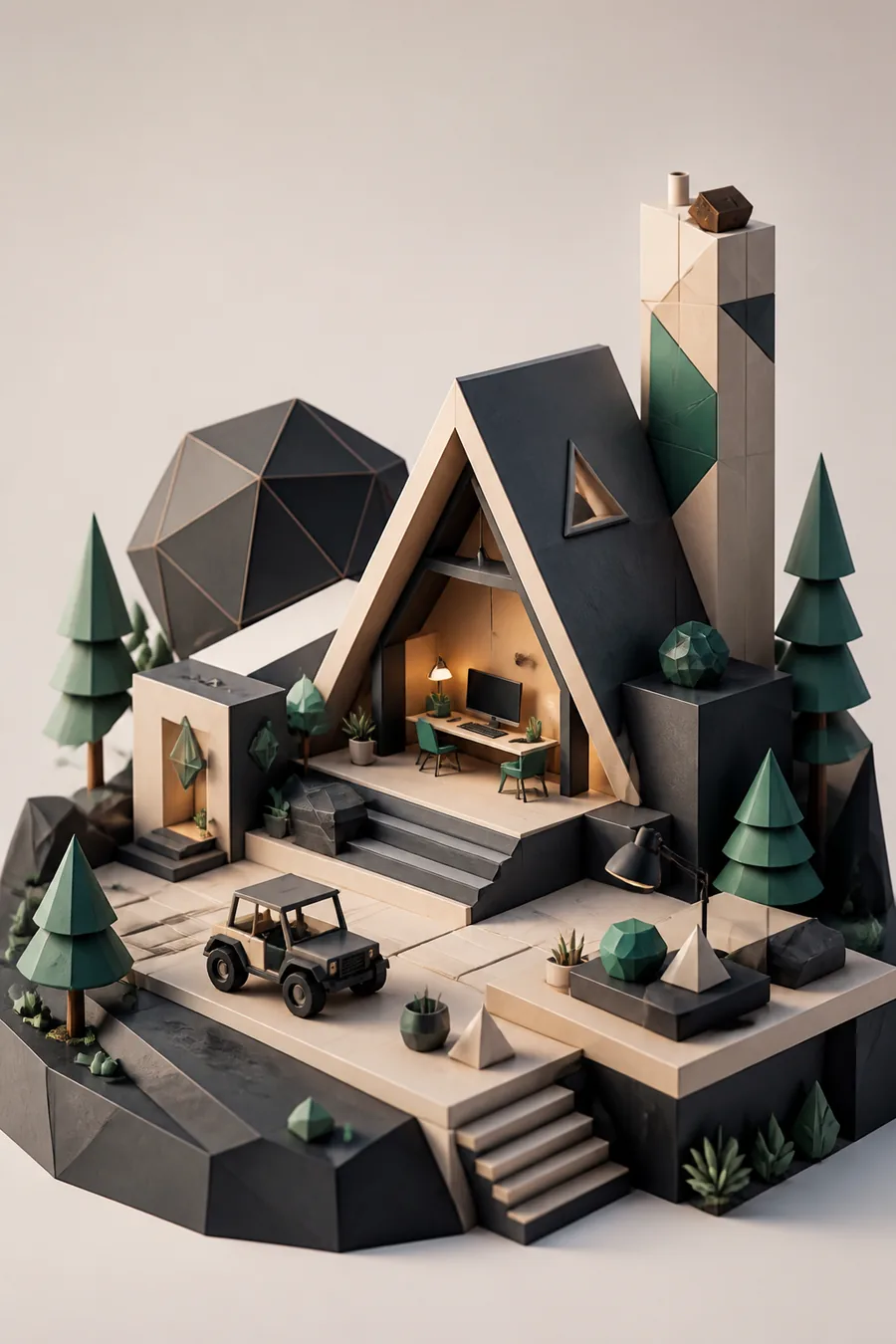
You already arrange scenes in games
The instinct that helps you place furniture in a build mode transfers directly to Prisma3D's move, rotate and scale tools. Your first session is just arranging primitives until a street corner appears.
Know what Prisma3D is for before you place your first block.
You watched 3D videos but never pressed the buttons
Prisma3D keeps the toolset small enough that following a ten-minute exercise without switching tabs is realistic — the payoff lands faster than it does in desktop apps.
Follow how to use Prisma3D in the order that actually sticks.
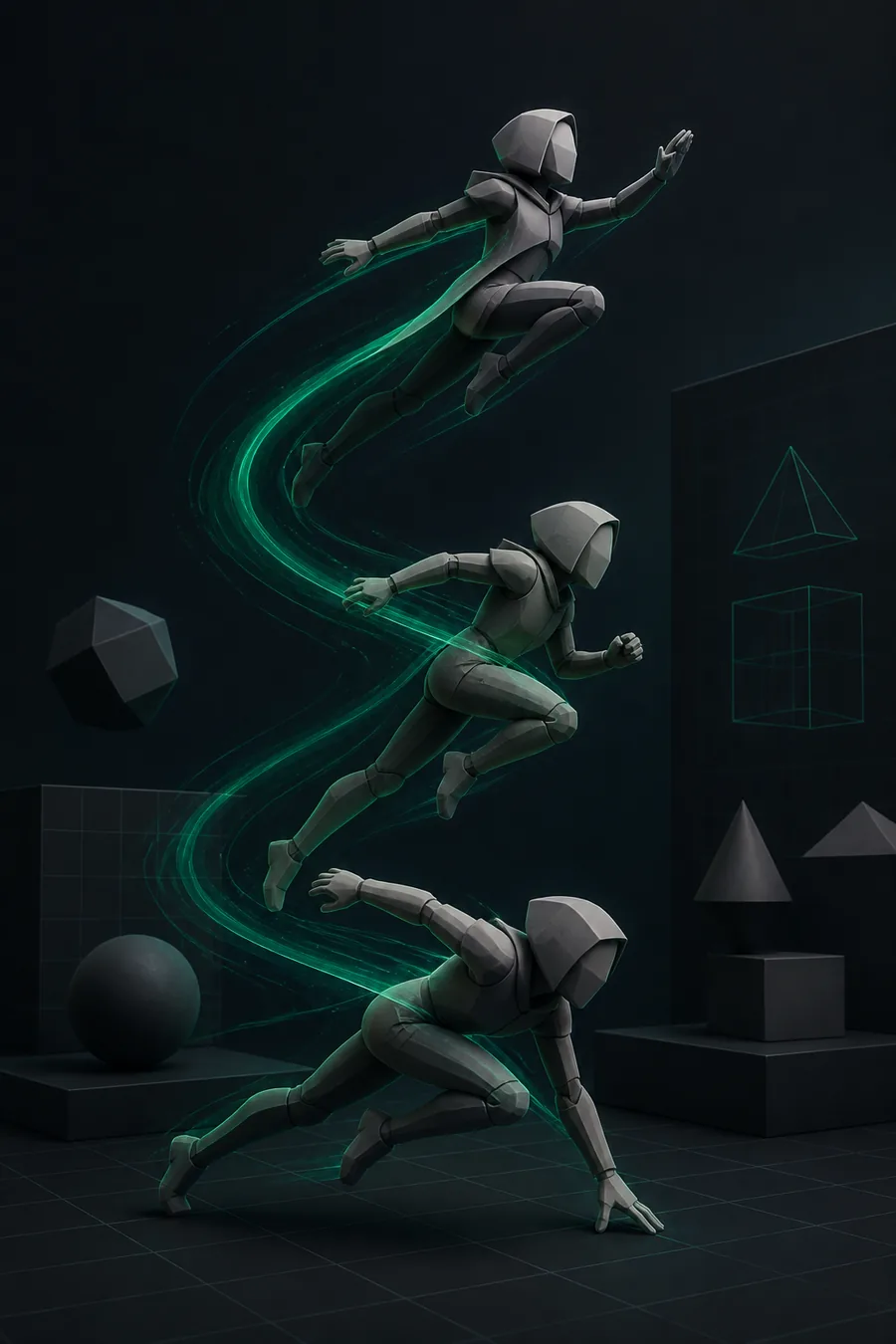
Your flipbook timing is already sharp
Keyframe timing carries over wholesale. A one-second bounce test teaches you the entire timeline panel, and a walk cycle is a realistic first-week goal.
See the basics of Prisma3D animation with a real two-keyframe example.
You need a free way to test if 3D suits you
No desktop required, no install queue, no subscription. The free build has no time limit, so the only real cost is the hours you choose to spend.
Check what is free in Prisma3D before you commit a single evening.
Where Prisma3D slots into a beginner's first week
We watched newcomers finish real scenes. For beginners, the metric that mattered most was not tutorials completed — it was minutes per day with the object tools open.
Before and after: what actually changes for beginners
Starting Prisma3D does not turn you into a generalist 3D artist. These are the limits to plan around — and the workaround that keeps each one from becoming a wall.
Not a sculpting tool
Prisma3D is a vertex modeler at heart. Dense sculpted characters and soft organic faces will fight you.
Workaround: stay low-poly for the first month; hard-surface props are where the app is fastest.
A phone screen hides precision
Loop cuts and edge slides are fiddly until you learn to zoom into the exact area you are editing.
Workaround: a tablet or a Bluetooth mouse makes the first week noticeably smoother.
The free timeline is thin
You get translation, rotation and scale keyframes, but no graph editor and no bone system in the free build.
Workaround: block out motion here, then export the mesh when the project outgrows the app.
Rendering is not instant
Scenes with many lights can take minutes on older phones, and the renderer favors stylized looks over photoreal ones.
Workaround: keep polycounts low; your first renders will finish in under a minute.
Your first deliverable, specced
A learnable first scene is not a castle — it is one extruded and painted prop on a simple ground plane. Move the slider to see how much practice time changes the output.
Daily practice minutes
Realistic first-week progress uses 10 to 120 focused minutes per day.
30 minutes a day
→This spec is tuned for beginners working alone and following the Prisma3D modeling route for the extrude and paint steps.
The beginner scenario everyone asks about
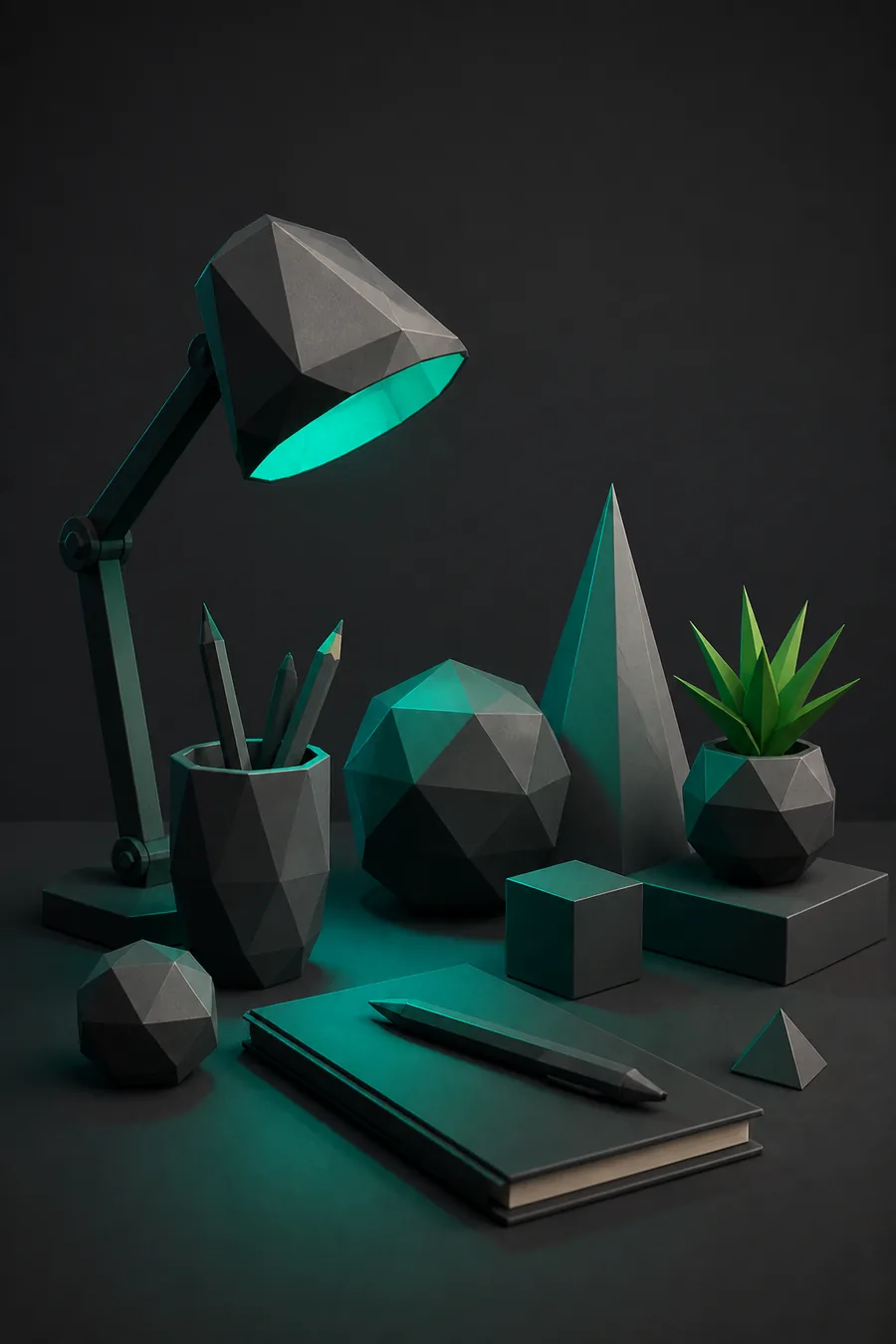
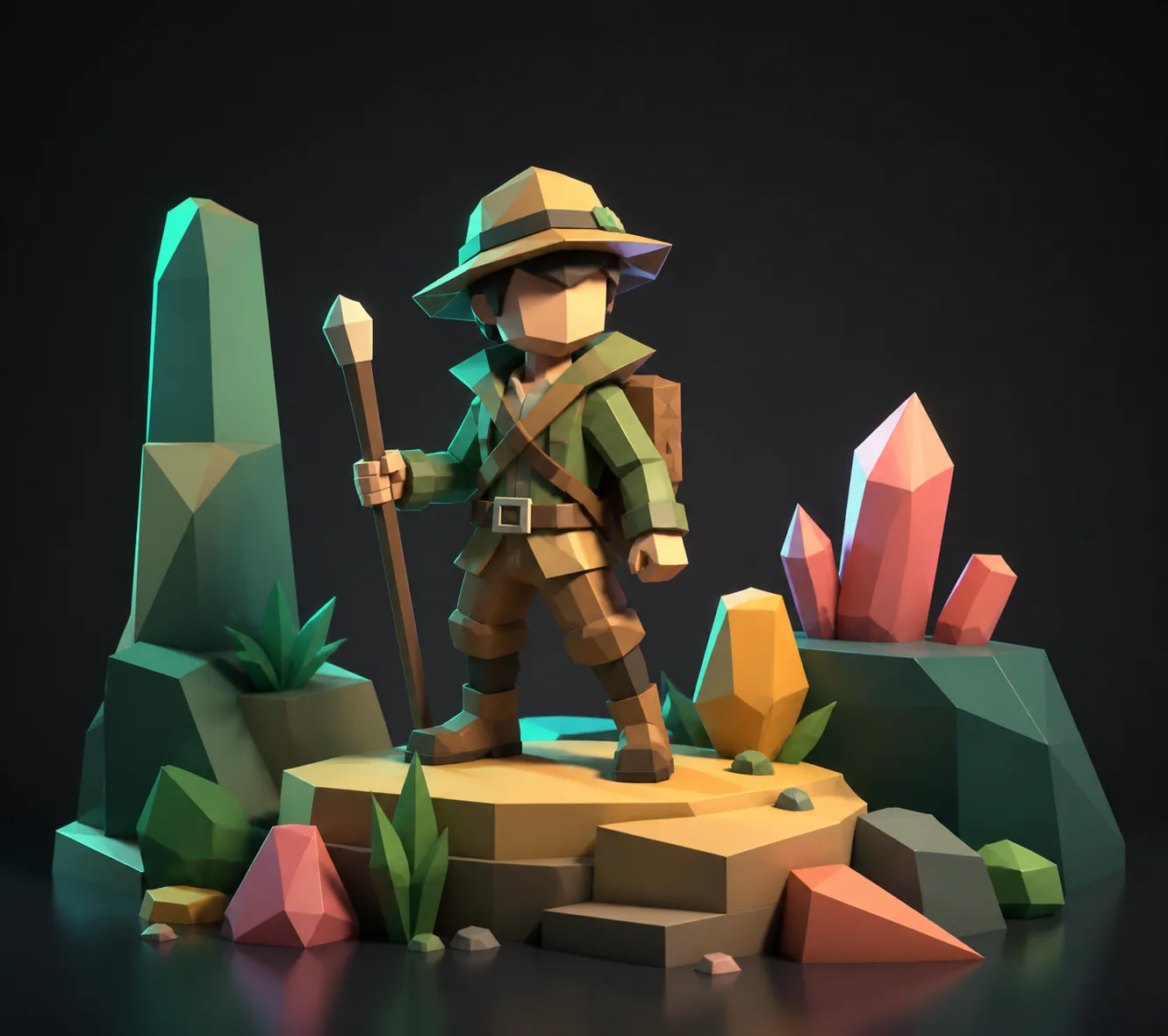
Can a true beginner make something presentable in a weekend? Yes, if the goal is sized right. The pair below is the same workflow at two points — about twenty focused hours apart.
Is Prisma3D good for beginners?
Yes, precisely because the toolset is small. You can model, texture and animate a low-poly scene without opening the menus that only matter to professionals. The before frame above used three tools; the after frame added only four more.
How should a true beginner start?
Model one box, extrude it into a recognizable shape, paint it with a single material, and drop it on the timeline. That is the whole first session — and a perfect first hour for beginners. Prisma3D for beginners is a smaller target than most people assume; the before frame is literally that session.